Company Information

Products & Services Help & Support Contact Us Request Info/Demo
 

 Help & Support:

Client Resources Home
User Help & Info
TRID Resources
Program Updates
Newsletter Archive
Available Training
Tech Support Calendar
 QuickLinks:


 Latest News/Info:


Connecting with Standard Solutions
Returning users with GoToMyPC installed:

Standard Solutions may need to use GoToMyPC.com to connect to your system to install an update, conduct training, or fix a problem. Follow these three steps to set up our account on your computer:


1. Click here to install
the GoToMyPC program
.

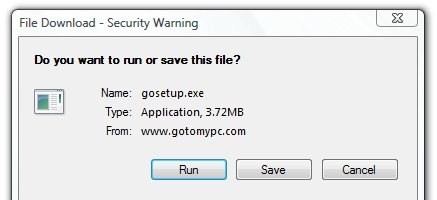
Click Run when prompted
and a
llow the installer to run, clicking Next as necessary, and click Finish.

The program will then connect with the GoToMyPC server.


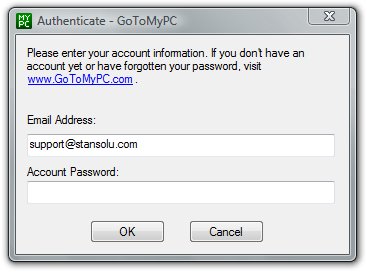
2. Enter the E-mail Address "support@stansolu.com"
plus the password we give you, then click OK.


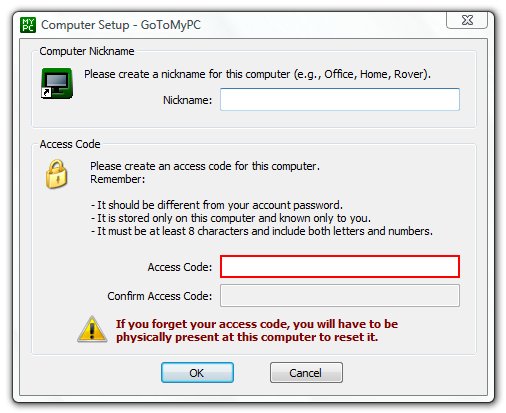
3. Enter your own name in the Nickname field.

For the Access Code, enter the password we give you.

Click OK and wait for us to connect.


© Standard Solutions, Inc. • 110 Florence Street, Malden, MA 02148 • (781) 324-0550